
Where my website and Minecraft SMP are hosted. Beware of it: it HAS RAM.
But first, don’t judge, pls.
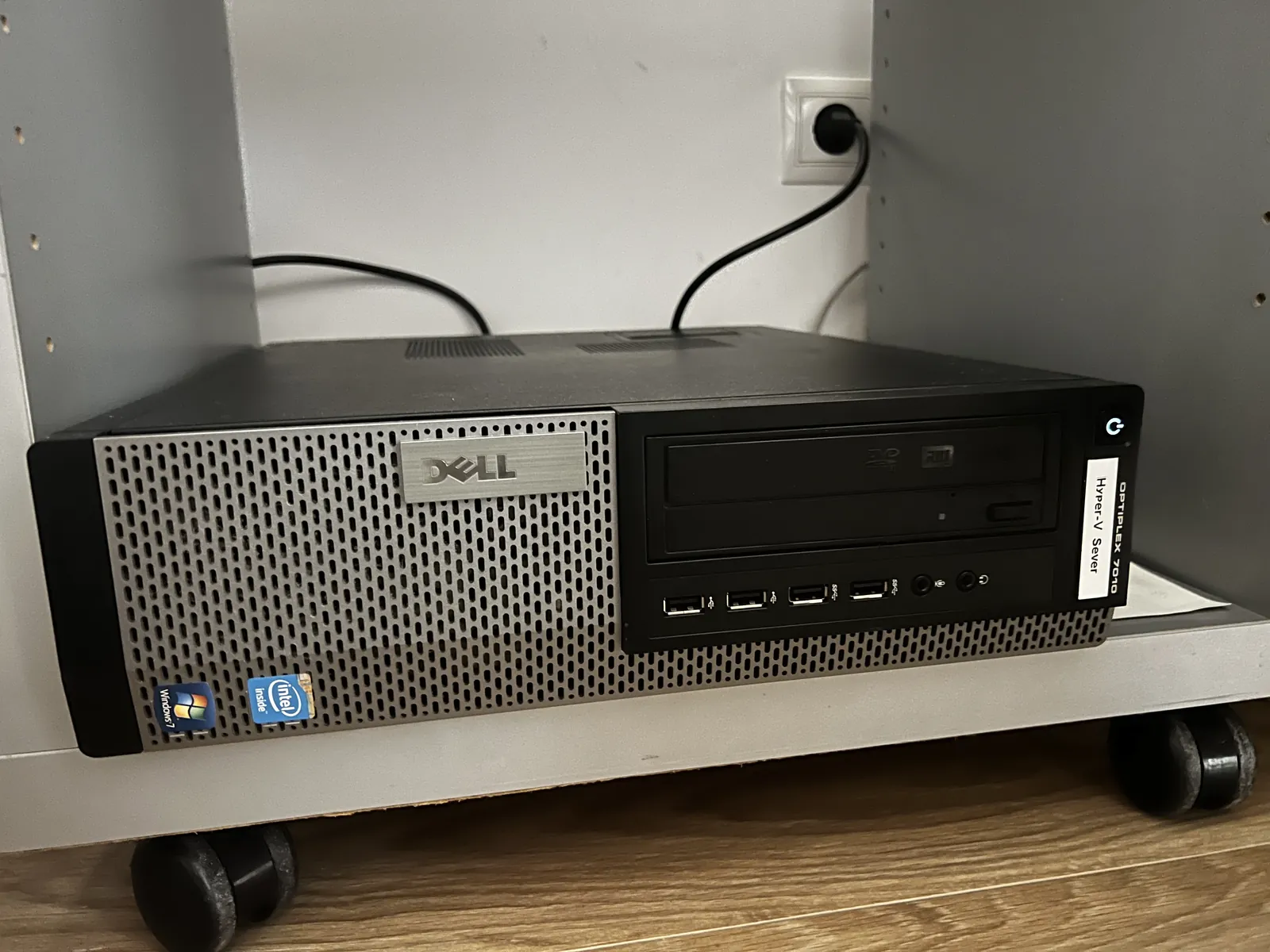
May I present: the Dell OptiPlex 7010
The most trusty computer I’ve ever owned. It’s built like a tank, because it’s one step away from being a tank.
- Model
- Dell OptiPlex 7010, an office PC from 2012
- Memory
- 12 GB of DDR3 (it came with 4 GB)
- Storage
- A Kingston SSD, lying loose inside the case (the original one didn’t survive, see below)
- Power supply
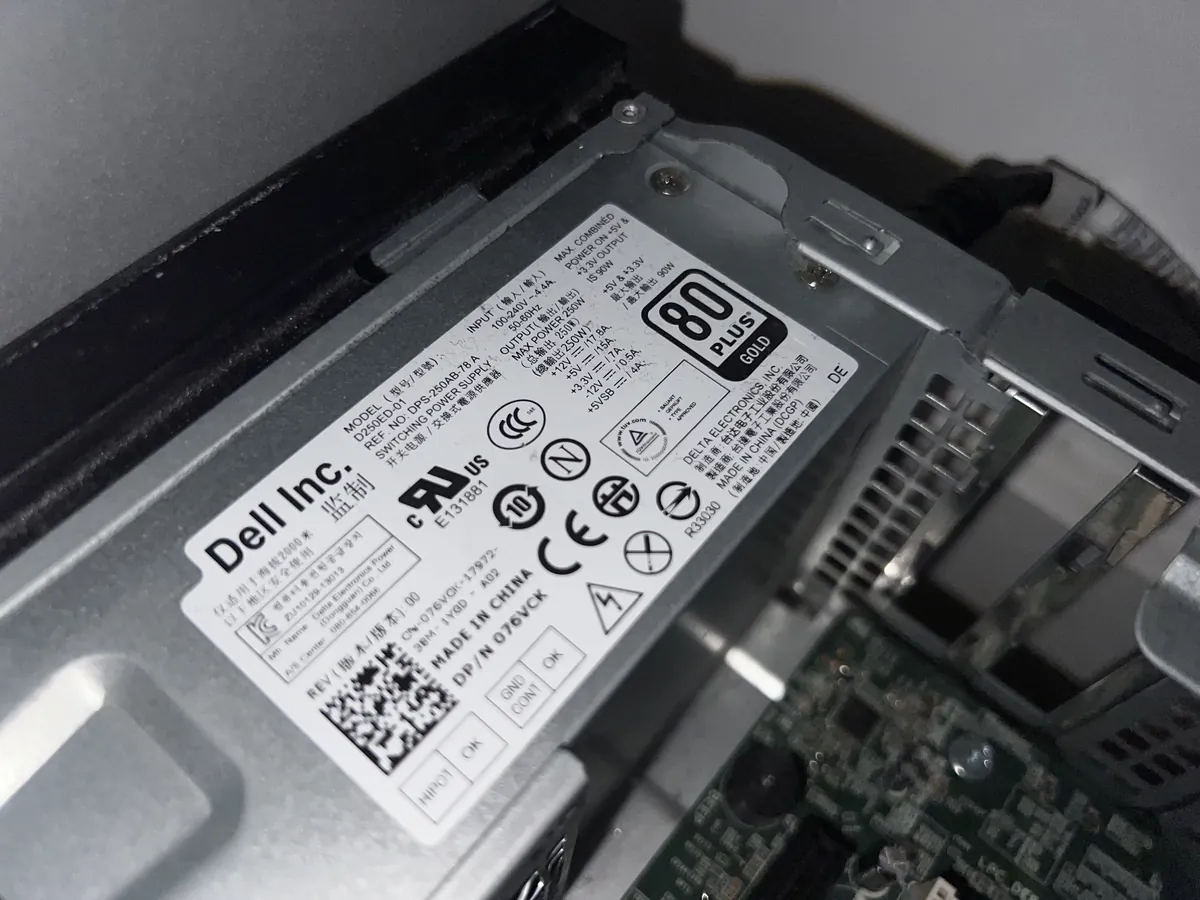
- Dell, 80 Plus Gold
- System
- Debian Linux, with CasaOS on top
- Runs
- This website, the Minecraft SMP and the comment sections
- Noise
- Silent. I sometimes forget it’s on.
- On since
- Late 2025, 24/7
Where did I get it?
It started in November 2025. At my dad’s work they were throwing the PC away because they didn’t need it anymore, so I rescued it.
The Dell came with an off-brand 240 GB SSD that died a month later. It ran super slow, took ages to boot, and the 4 GB of RAM wasn’t helping. So I upgraded it to 12 GB of RAM (and don’t worry, I didn’t sell a liver: it’s DDR3), threw the SSD at a wall (it deserved that) and installed a Kingston SSD. Since then it has been on 24/7, running my homelab.
And the best part: it’s silent. I sometimes forget it’s on, and it doesn’t disturb my family.
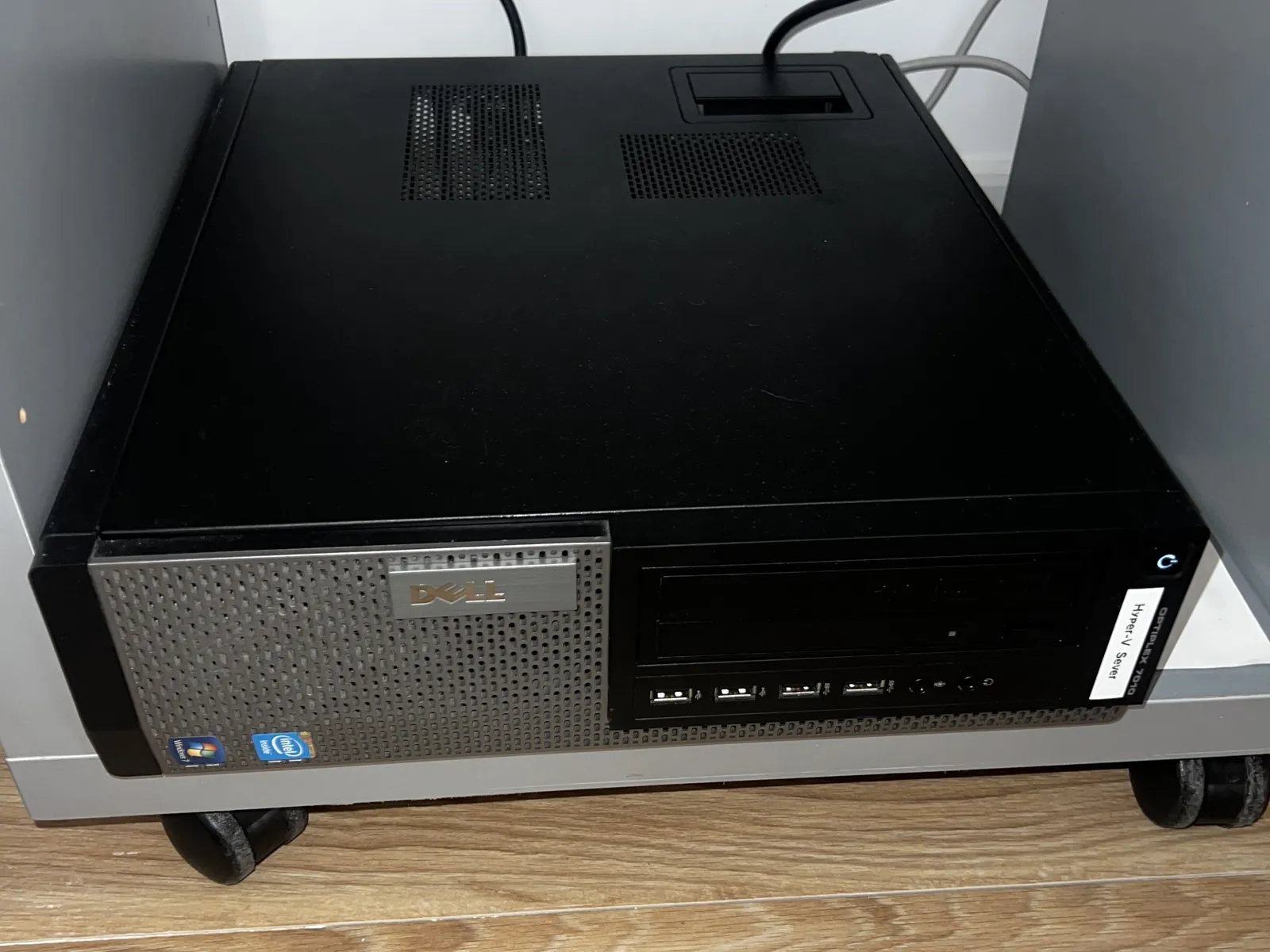
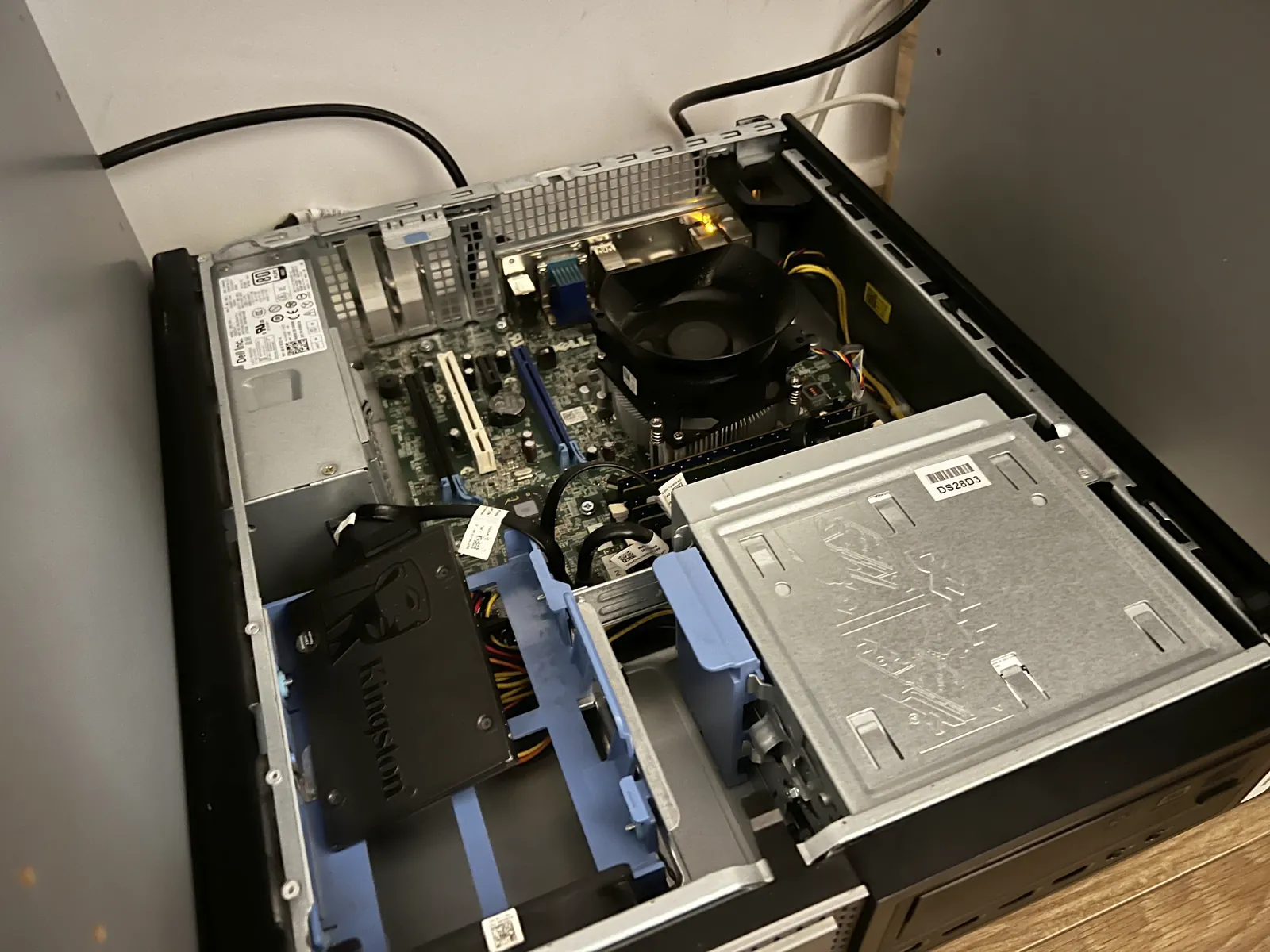
Look inside
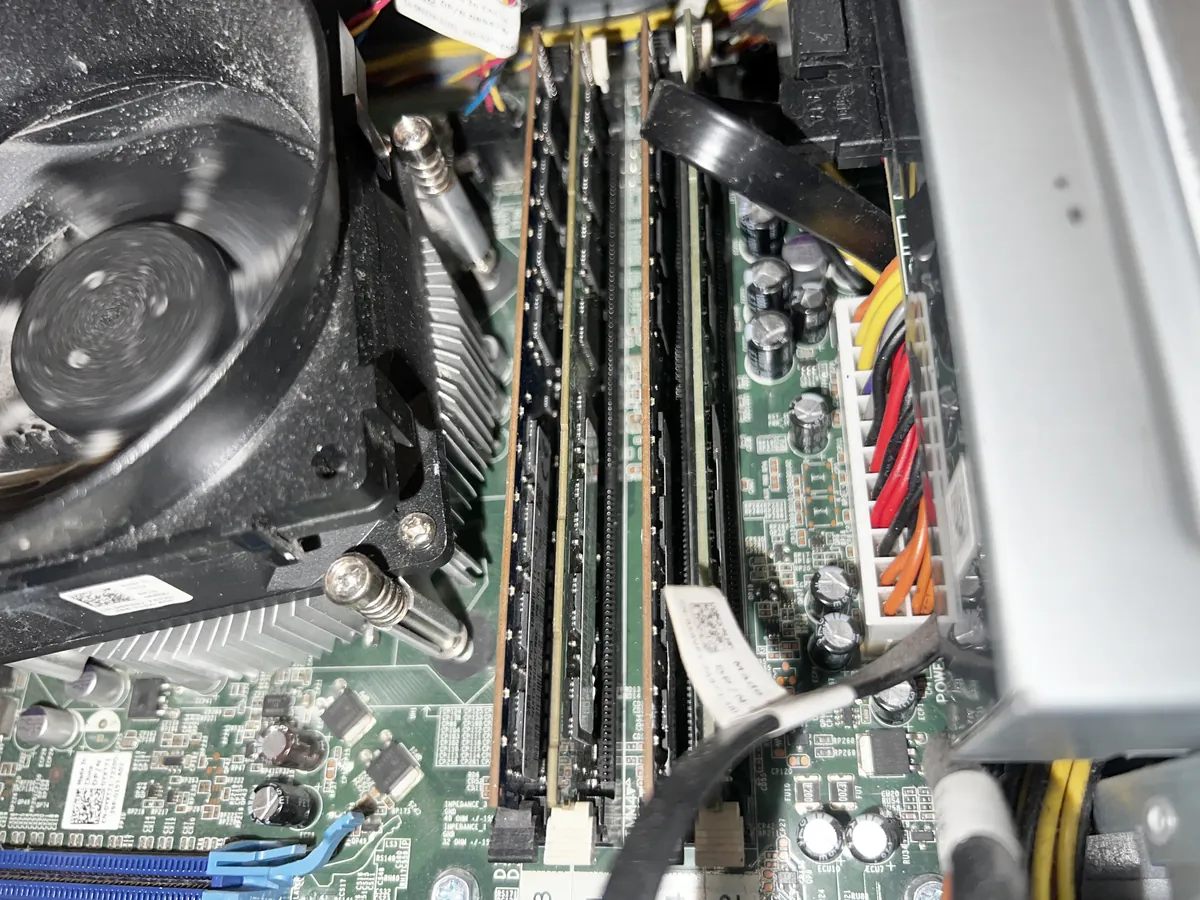
Here’s the server running. Some people won’t believe it, but I do maintenance on it while it’s still on! Tap a number to see what’s what.
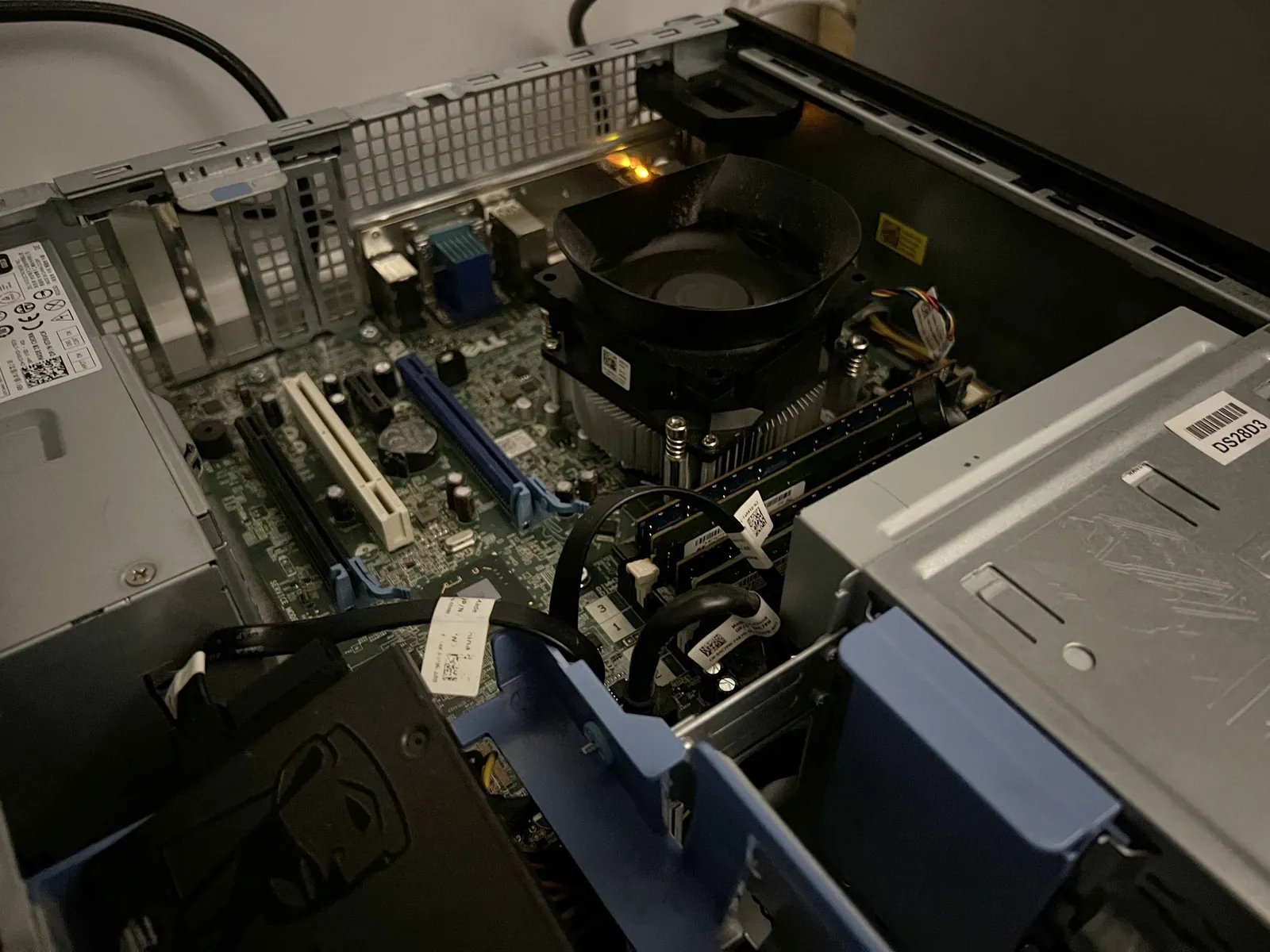
- Power supplyDell, 80 Plus Gold. There’s a close-up below.
- VGA portYes, VGA. It’s 2012 in here.
- Network lightThe orange light on the network port. Proof it was online while I took the photo.
- CPU coolerThe original Dell one. Quiet enough that I forget the PC is on.
- RAM12 GB of DDR3, up from 4.
- Expansion slotsAll empty. For now.
- Kingston SSDNot screwed in, just lying there. It has never complained.
- Drive cageEmpty. The SSD prefers the floor.
What runs on it
For those who aren’t geeks: Debian is Linux, one of the best systems for a computer that’s on 24/7. Zero bugs and zero crashes since the server went live. On top of it runs CasaOS, a friendly dashboard where I manage all the apps and files from my PC’s web browser.
- AppsThis websiteMinecraft SMPComments (Remark42)
- DashboardCasaOS
- SystemDebian Linux
- HardwareDell OptiPlex 7010
You reach it through two tunnels: Cloudflare Tunnel for the website and playit.gg for Minecraft. They connect out from the server, so my home router doesn’t need any open ports.
And my laptop
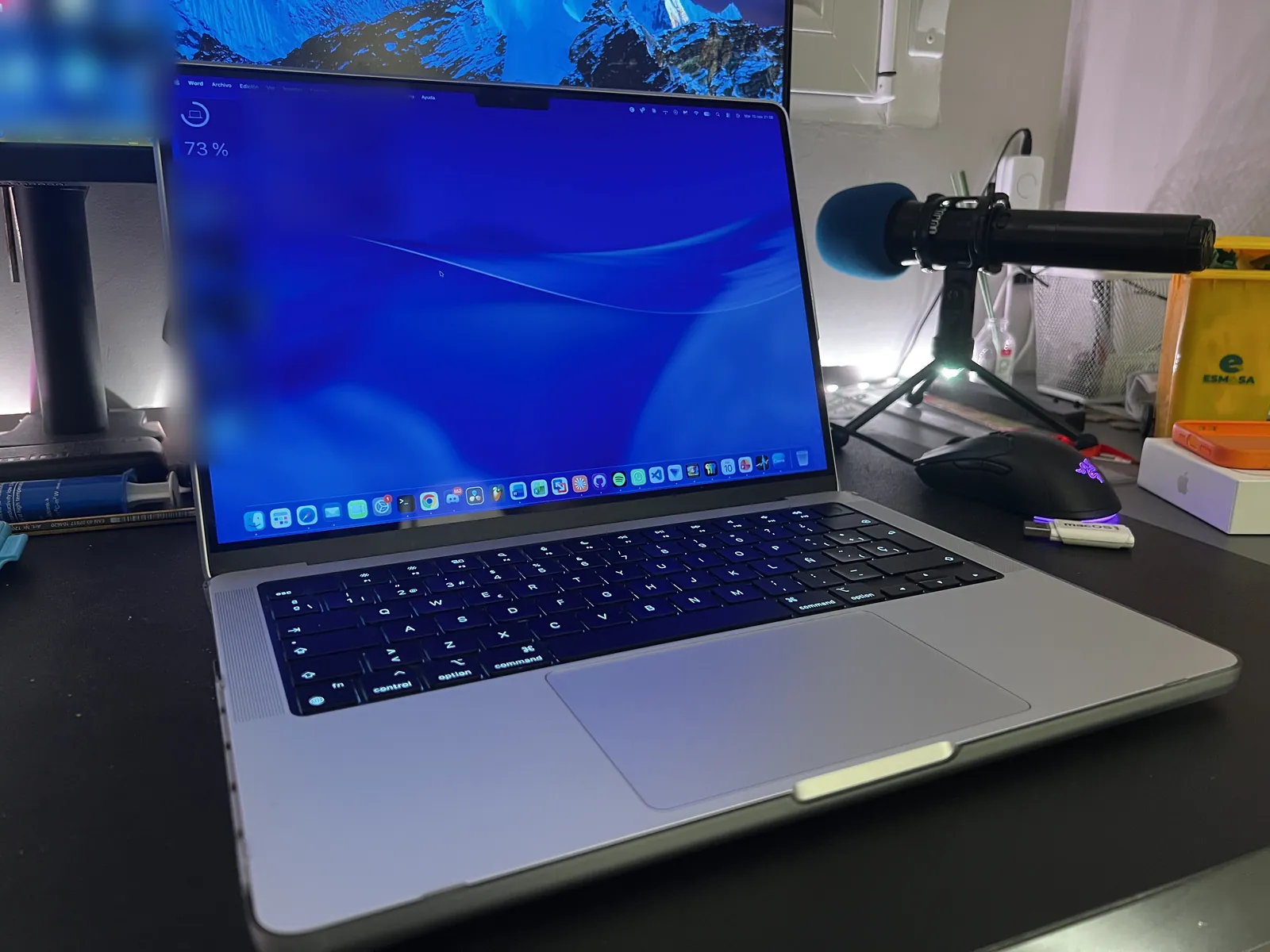
MacBook Pro 14″ (2021)
The best computer I’ve ever owned.
- Chip
- Apple M1 Pro: 10 CPU cores, 16 GPU cores
- Memory
- 16 GB
- Storage
- 1 TB SSD (screwed in, unlike some)
I’ll write more about it soon.
Want one?
It was actually very simple to get it running: I followed HardwareHaven’s homelab projects on YouTube. An old office PC that someone is throwing away is the perfect place to start.
More about me and the rest of my setup on the About Me page.